
Get inspired with customer success stories, find a relevant use case for your business, browse through industry and tech insights blogs, or catch up with the latest product updates.

Visitu is a visitor management and school safety platform that helps schools manage and screen external visitors, including parents, contractors, and other guests. Its digital check-in experience uses government-issued ID…

Tolletaten is the customs authority of Norway, responsible for controlling goods and people crossing the country’s borders while ensuring imports and exports comply with Norwegian laws and regulations. To support…

Cuvva is a UK-based motor insurer specializing in short-term insurance coverage, enabling drivers to get insured in minutes through policies ranging from one hour to 28 days. Because the entire…

This report analyzes millions of identity interactions from Microblink's global scanning footprint to reveal how attack patte...

Across hotels, airlines, cruise lines, car rental companies, theme parks, and casinos, leaders are being asked to do somethin...

Fraud and risk leaders are navigating uncharted territory as technology reshapes financial ecosystems. Innovations like gener...
Most identity verification performance claims come from the vendors making them. Accuracy rates, pass rates, and fraud catch...

What once required technical expertise, specialized tooling, and organized fraud operations can now be executed with publicly...

The U.S. Department of Homeland Security (DHS) recently completed its most rigorous evaluation to date of remote identity ver...
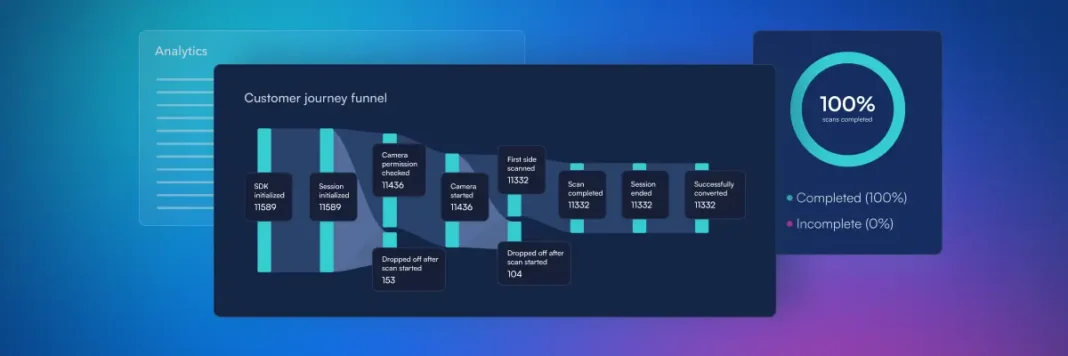
Traditionally, identity verification teams have measured success primarily through accuracy, fraud detection rates and proces...
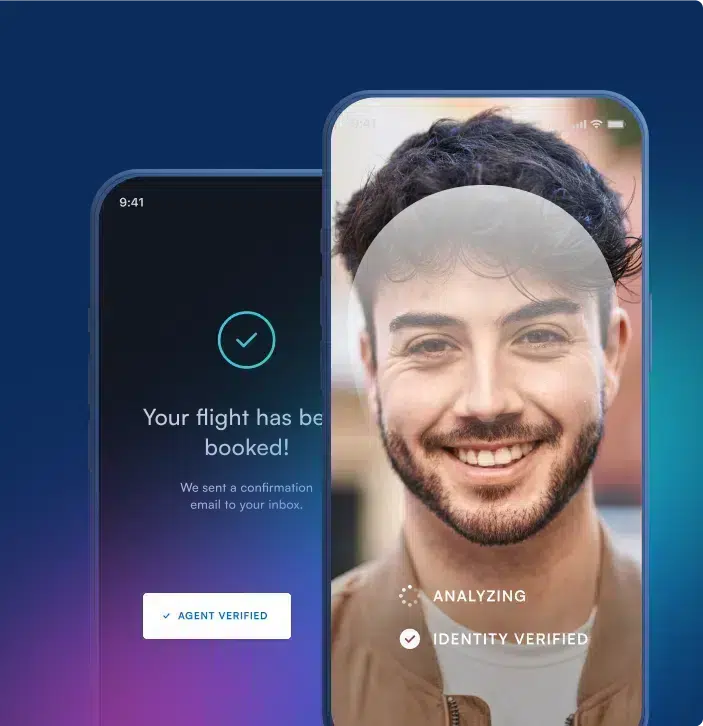
AI agents introduce a new wrinkle into digital trust: a legitimate user can direct a legitimate agent to take an action that...
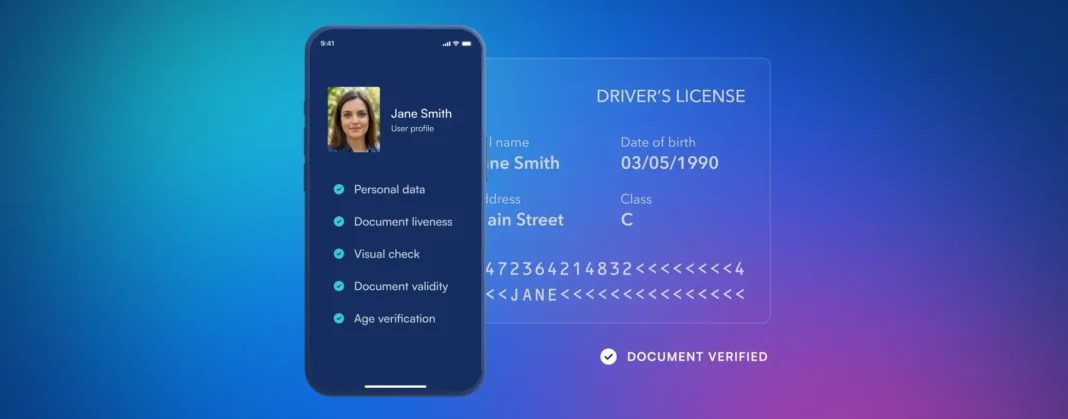
For organizations operating across multiple countries, verifying a government-issued identity document is rarely as simple as...
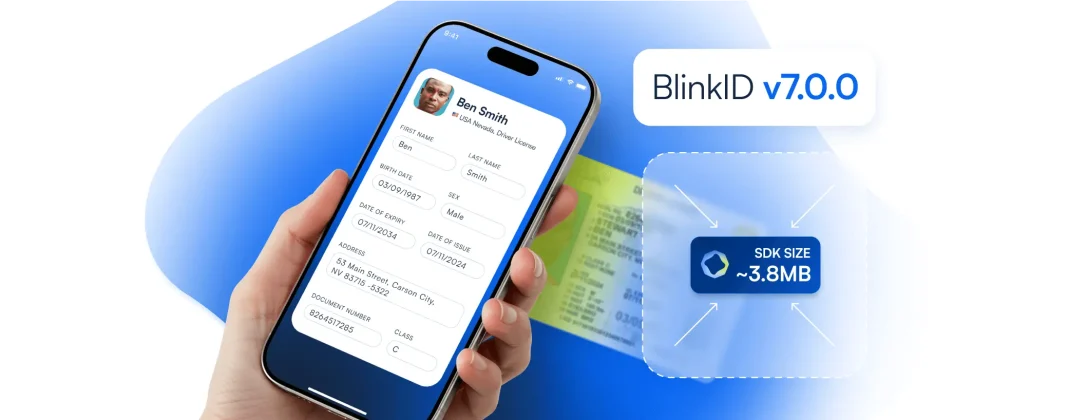
Major upgrades can sometimes be overwhelming as they require booking additional engineering time for updating and understandi...
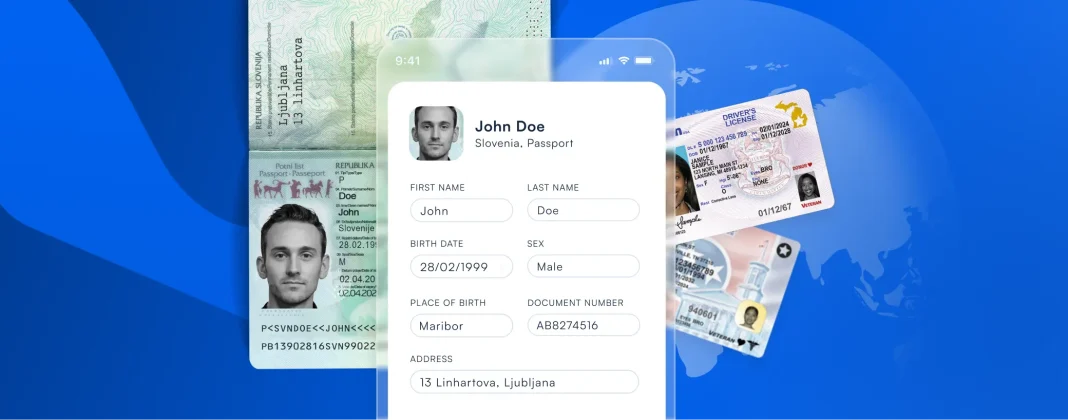
We’re always thrilled to expand BlinkID’s coverage, and it’s exciting to see the progress in adding support...

Every update makes BlinkID Verify even better. We’re committed to maintaining the exceptional user experience, high pas...
Exploring our solutions is just a click away. Try our products or have a chat with one of our experts to delve deeper into what we offer.
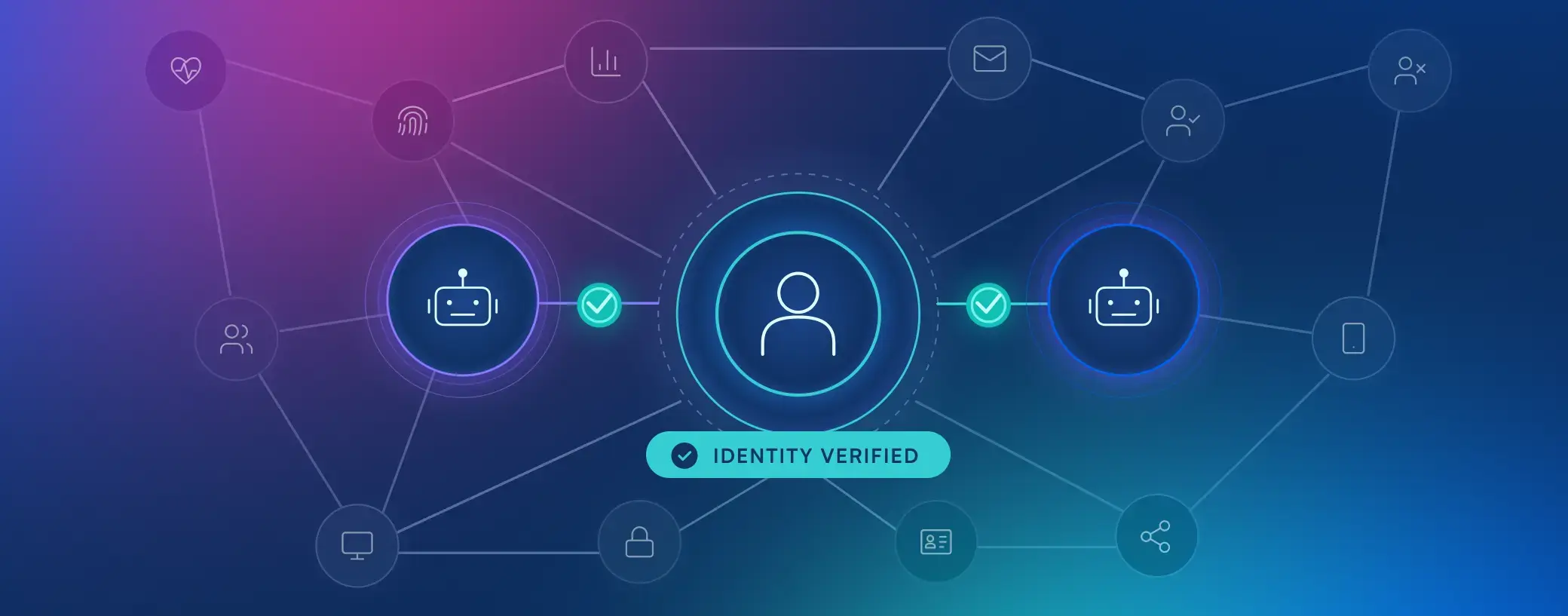
AI agents are starting to act on your customers' behalf. Our Q4 releases help you trust the identity behind that authority, with expanded biometrics, GenAI fraud detection, and continuous document intelligence.
See What's New in Q4